Combine Accounts Wizard Step 2
- Navigation: INVESTMENT MANAGEMENT > Investment Utilities:
Combine Accounts Wizard Step 2
This is Step 2 of the Wizard. On the Investment Sidebar Menu, Click on Utilities | Account | Combine Accounts.
Overview
This screen allows you to choose the account which will remain after the accounts are combined.
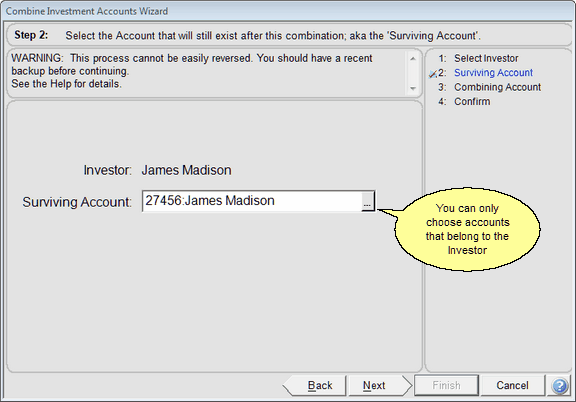
Combine Accounts Wizard Step 2
Surviving Account
The surviving account will be the account that remains after the process is complete. It will usually be the NEW custodian account.
Click Next after choosing the Surviving Account.
See Also
Combining Accounts With Liquidated Assets